
Batch Scan
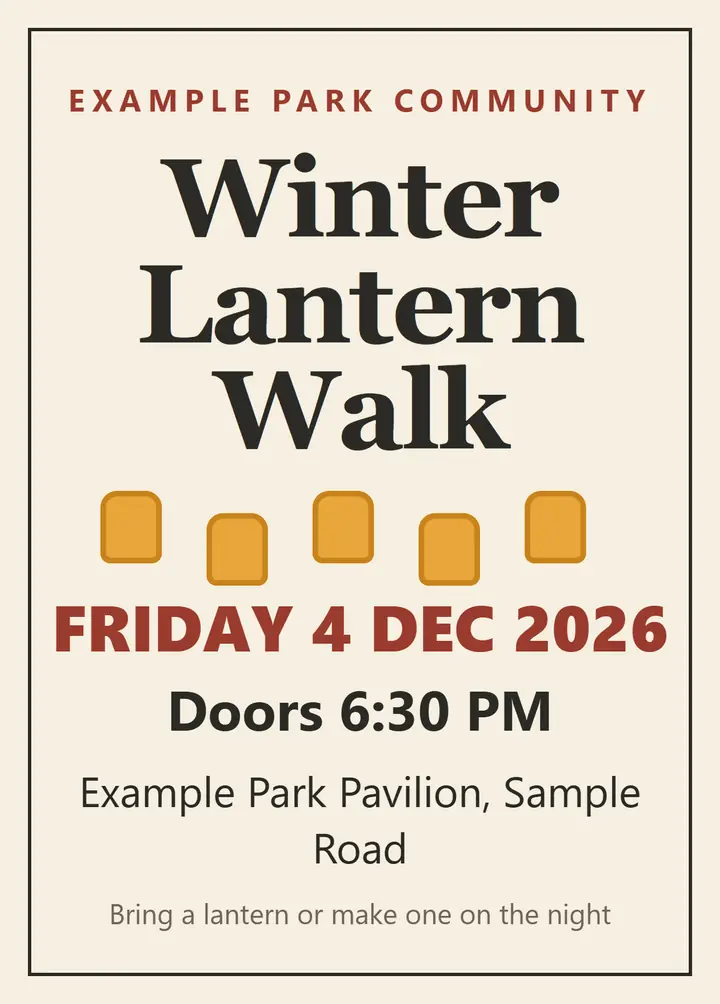
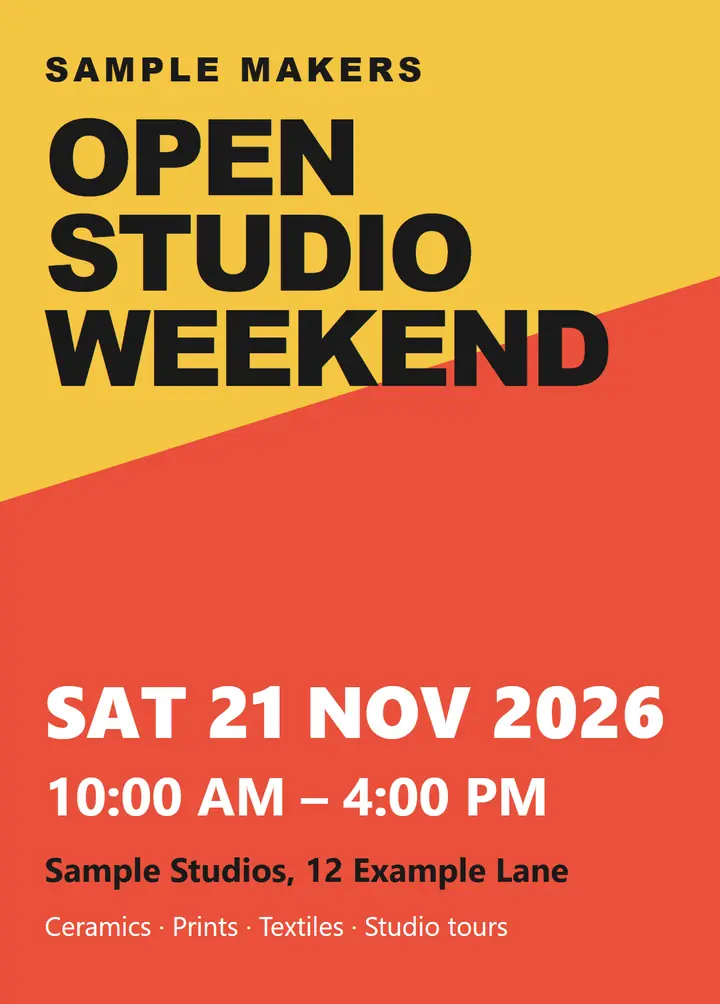
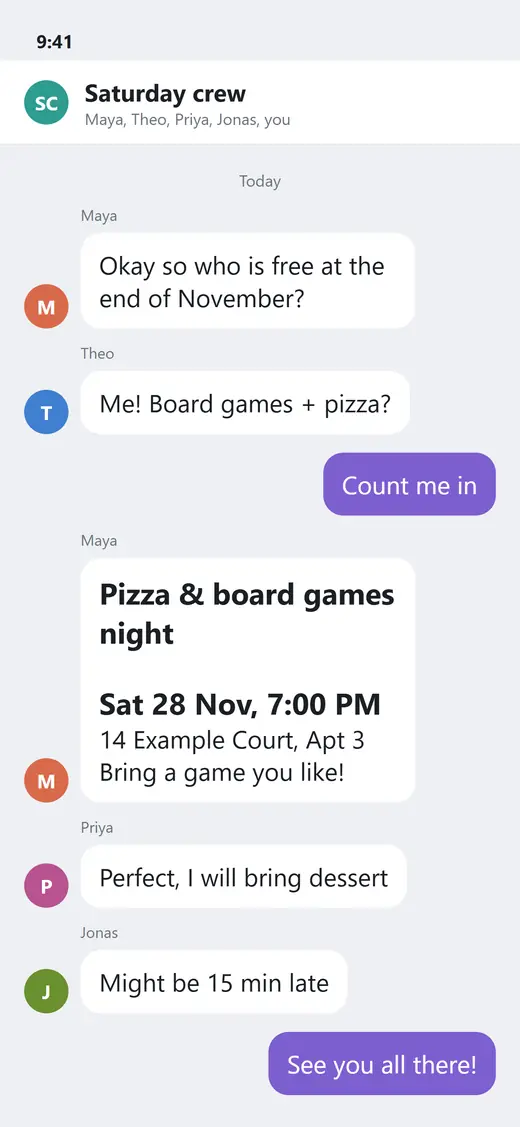
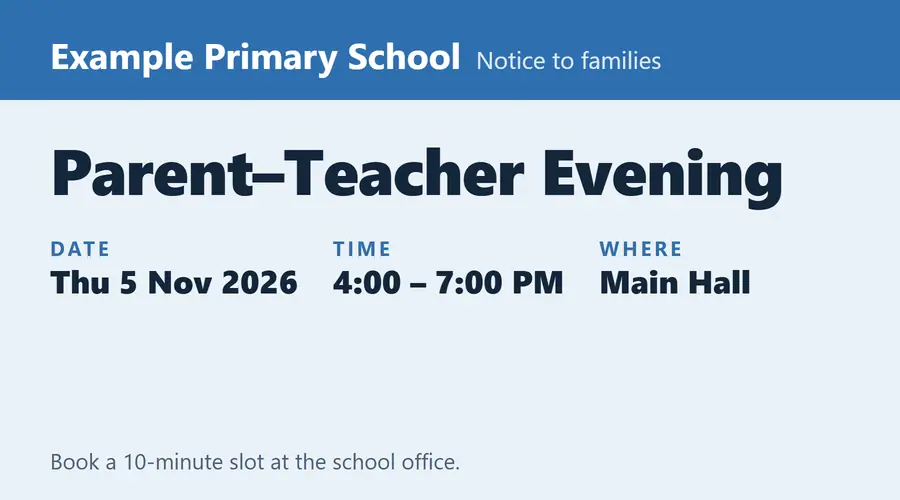
Select up to 10 photos at once, review the extracted events, and choose which ones to save.
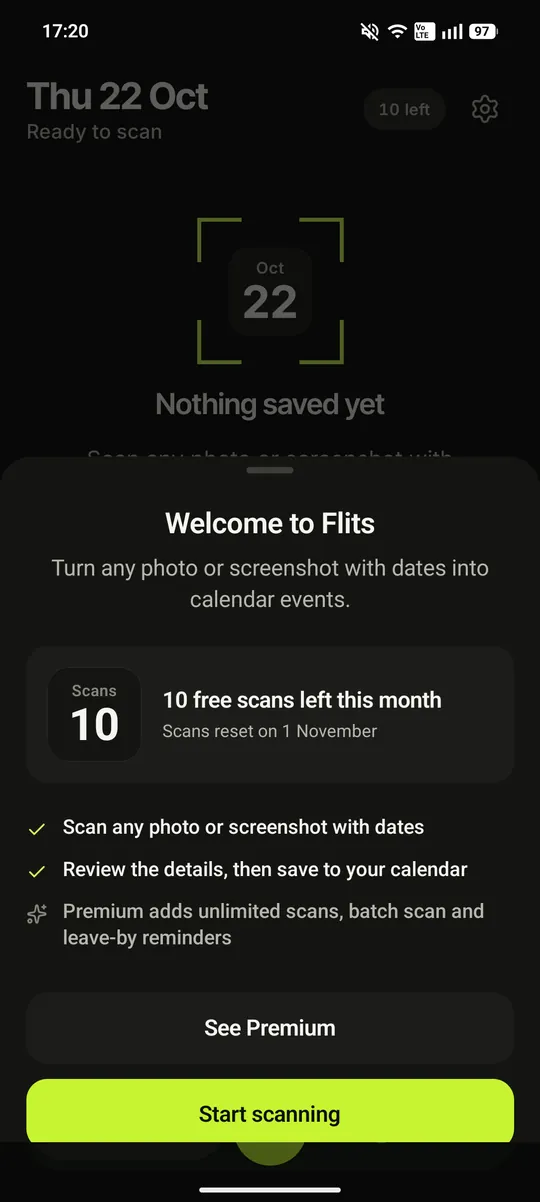

Flits reads the dates in a photo, screenshot, calendar QR code or pasted text. You review the details, then save.
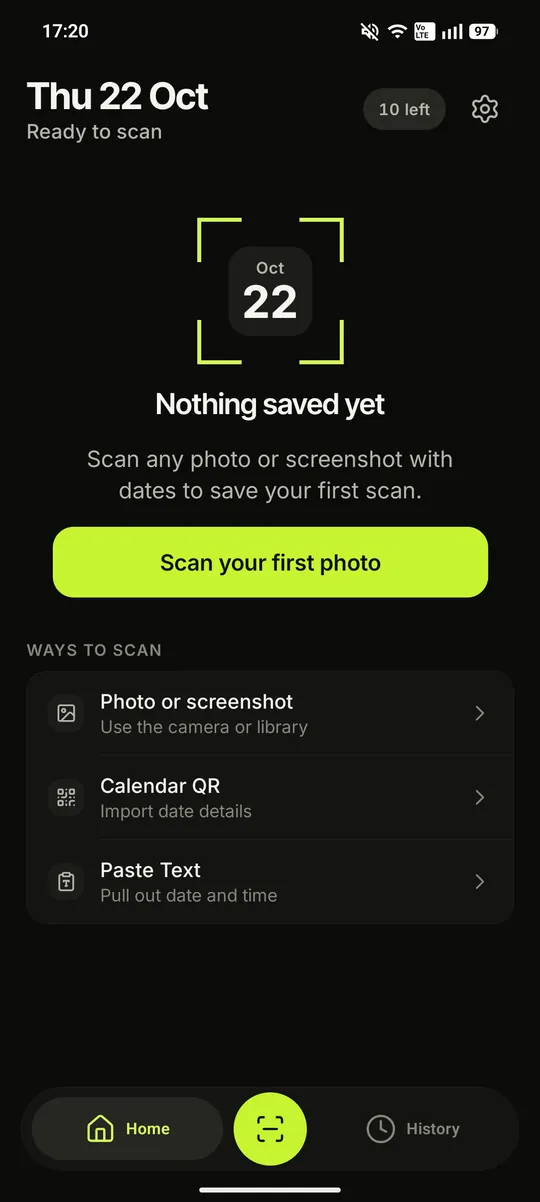
A photo, a screenshot, a supported calendar QR code or pasted text.

Review the title, date, time, location and description, edit anything, then choose Add to Calendar.
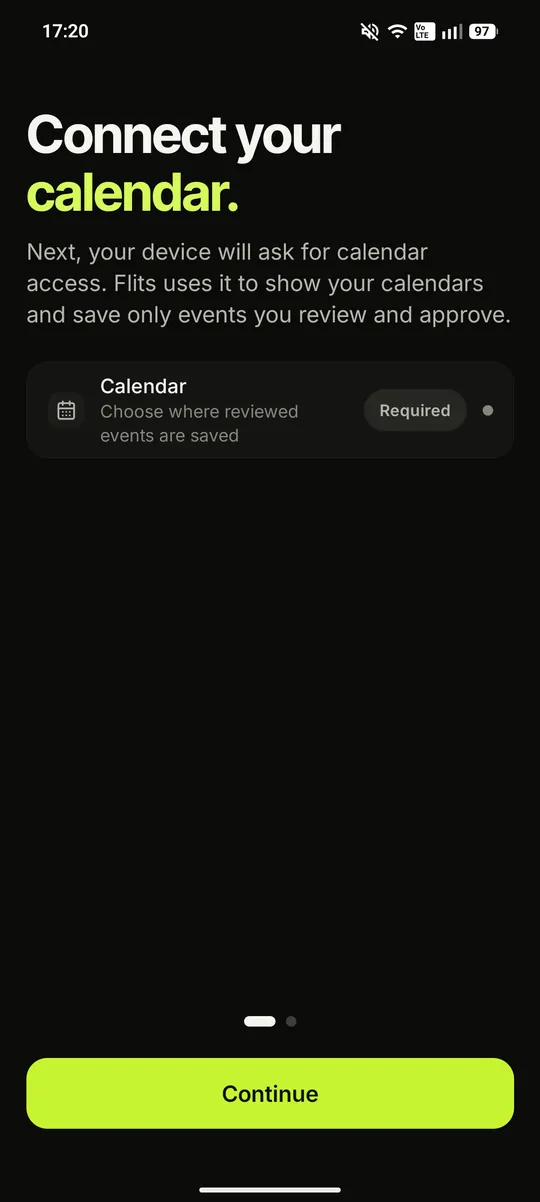
Add to Calendar saves the reviewed event to a writable calendar you choose on your device.
Select up to 10 photos at once, review the extracted events, and choose which ones to save.
Look for multiple events in one photo, then review the results.
For a future saved event with a location, schedule an optional leave-by alert using the home address you enter.
Premium also includes unlimited AI scans. Smart Scan is optional and iOS only.
Manual scans use only the photos and screenshots you choose. Images are not stored by Flits after processing. Flits saves only events you review and approve.
Use the camera, choose a photo or screenshot, scan a supported calendar QR code, or paste text from a message, website, invitation or schedule. Clear dates and times produce the best results.
Flits prepares the available title, date, time, location and description. Check them, edit any field and add notes before saving.
Choose Add to Calendar to save the reviewed event to a writable calendar on your device.
Your next saved event appears on Home. Saved scans stay in local History so you can search, filter, revisit, edit or re-add them while they remain on your device.
AI output can be incomplete or incorrect, so always review the extracted details before saving.
10 free AI scans each calendar month. No account registration or credit card is required for the core scanning experience.


© 2026 Flits. All rights reserved.